Lead capture
Move form submissions into the right sheet, CRM or task list and notify the person responsible.
Workflow automation services for small businesses: connect routine form, spreadsheet and app handoffs with defined triggers, review points and documented exception handling.
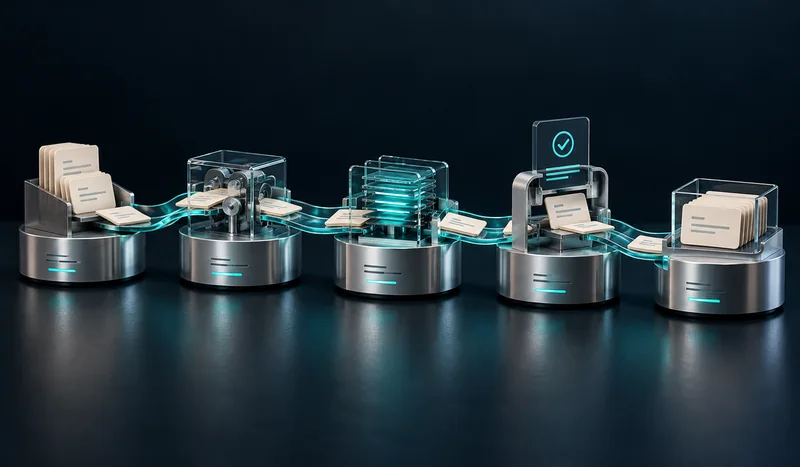
Katverra Solutions maps the handoffs, triggers and routine actions behind your process, then builds practical no-code workflows that reduce copy-paste work without hiding how the system works.
Automate repeatable handoffs while keeping important decisions with people.
Move form submissions into the right sheet, CRM or task list and notify the person responsible.
Coordinate booking information, reminders and internal follow-up steps with less manual checking.
Pass structured information between compatible tools so teams do not repeatedly re-enter the same data.
Keep operational logs, tracking sheets and recurring reporting inputs more consistent.
Send useful alerts when a defined event happens instead of relying on someone to remember every update.
Build deliberate checkpoints into workflows when a person should verify, approve or make the final decision.
Reliable automation is not about removing people from every process. It is about letting software handle predictable movement while keeping judgment, exceptions and approvals visible.
Identify the current steps, tools, owners and pain points.
Remove unnecessary steps before automating a weak process.
Connect the workflow with practical no-code logic.
Check normal paths, exceptions and handoff behavior.
Record what triggers, what happens and where to review it.
Each workflow should be understandable after launch. Katverra Solutions emphasizes readable naming, documented steps and clear review points so future updates are easier to diagnose.
Sample project
How it worksA practical automation should make the next step clear, including what happens when information is missing or a connection fails.
A fictional service business receives enquiries through a form. It wants each enquiry recorded and assigned for review before anyone sends a reply.
Demonstration behaviourA visitor submits the enquiry form
Demonstration behaviourCheck that the required contact and request fields are present
Demonstration behaviourAdd the enquiry to the agreed tracker or CRM
Demonstration behaviourTell the designated reviewer that a new enquiry needs attention
Demonstration behaviourA person checks the request and approves the next action
Demonstration behaviourRecord the approved response and follow-up status
Example field map
If a required field is missing, flag the entry for review. If the destination tool is unavailable, record the failure and notify the owner through an agreed method. Check for repeat submissions using an agreed reference rather than silently creating duplicate records.
These are example requirements, not claims that a particular platform provides every function. Compatibility, error handling and notification options must be verified for the actual tools.
An agreed workflow project can include a process map, field mapping, normal-path and exception test notes, ownership details and manual fallback instructions. Confirm third-party subscription costs and ongoing support responsibilities before implementation.
Not always. The right plan depends on task volume, workflow complexity and the features your connected apps require. We can identify the practical setup before building.
Often, yes. Compatibility depends on the apps and the access or integrations they provide. We first map your existing stack rather than forcing unnecessary replacements.
Documented workflows are easier to diagnose when an app, field or business process changes. Maintenance and adjustment support can be handled as needed.
Yes. The goal is a system your business can understand, not a black box. Key triggers, actions, review points and dependencies are documented in plain language.
Potentially, where the tools provide compatible integrations and appropriate access. We first confirm the trigger, required fields, destination and review owner, then test the normal route and agreed exception cases before activation.
The quote depends on the tools, number of steps, field mapping, exceptions and testing required. Platform subscriptions and usage limits are considered separately from setup work. Share the current process so the scope can be assessed.
No. Predictable transfers, notifications and routing may work with ordinary rules. AI is considered only when the task benefits from a reviewed draft, summary or other checked output.
We confirm the deliverables and delivery schedule after reviewing your brief, required files and access.
Your quote sets out the included review stages or revision rounds. Share consolidated feedback against the agreed brief.
New requirements or additional revisions are assessed separately. Any price or schedule changes are agreed before that extra work begins.
Show us the repetitive steps, tools and handoffs. We can map where a practical workflow could save time while keeping the right controls in place.