
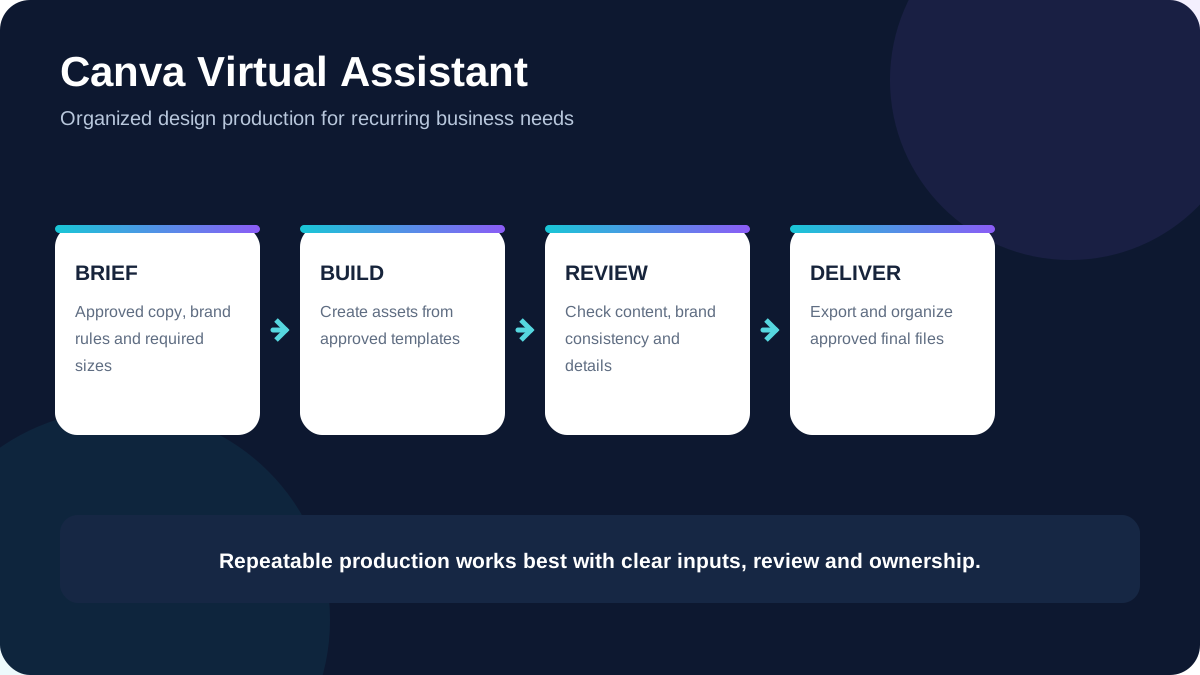
A Canva virtual assistant helps a business turn recurring design requests into an organized production workflow. Instead of asking a business owner to build every social graphic, presentation update, lead magnet or branded document personally, the assistant can prepare approved assets inside Canva while following established brand rules.
The role is not simply “someone who knows Canva.” Useful support combines design execution with file organization, template discipline, version control and clear handoffs so that everyday visual work becomes easier to delegate.
What does a Canva virtual assistant do?
A Canva virtual assistant handles design and production tasks that can be completed from an approved brief, brand kit or existing template system. The exact scope depends on the business, but the work often sits between administration, content production and graphic design.
For example, a business may provide a monthly content calendar and approved copy. The assistant can then create correctly sized graphics, apply the brand system, organize the files, prepare variations and return them for review.
Tasks small businesses can delegate to a Canva virtual assistant
1. Social media graphics
Recurring posts, quote cards, promotional graphics, story layouts and campaign variations can be produced from approved templates. This is particularly useful when the same message needs several platform sizes.
2. Presentation and slide updates
An assistant can format existing content into a consistent presentation, clean up slides, apply brand typography and prepare reusable layouts. Strategic messaging and important business claims should still be reviewed by the owner or subject-matter expert.
3. Flyers, brochures and simple marketing collateral
When the copy and offer are already approved, Canva can be used for flyers, one-page service sheets, menus, simple brochures and downloadable PDFs.
4. Lead magnets and downloadable resources
Checklists, worksheets, short guides and other opt-in resources often involve repetitive formatting. A Canva VA can apply a consistent visual system and keep the editable source organized for future revisions.
5. Blog and website graphics
Featured images, simple diagrams, promotional banners and supporting graphics can be prepared to specified dimensions. Image compression, file naming and alt-text recommendations can also be part of the handoff when agreed in the scope.
6. Template creation and reuse
A good template reduces repeated design decisions. Once a layout is approved, an assistant can create controlled variations without rebuilding every asset from scratch.
7. Brand asset organization
Canva folders can become difficult to manage as a team grows. An assistant can maintain naming conventions, archive old versions and keep approved templates separate from working drafts.
Canva virtual assistant vs graphic designer
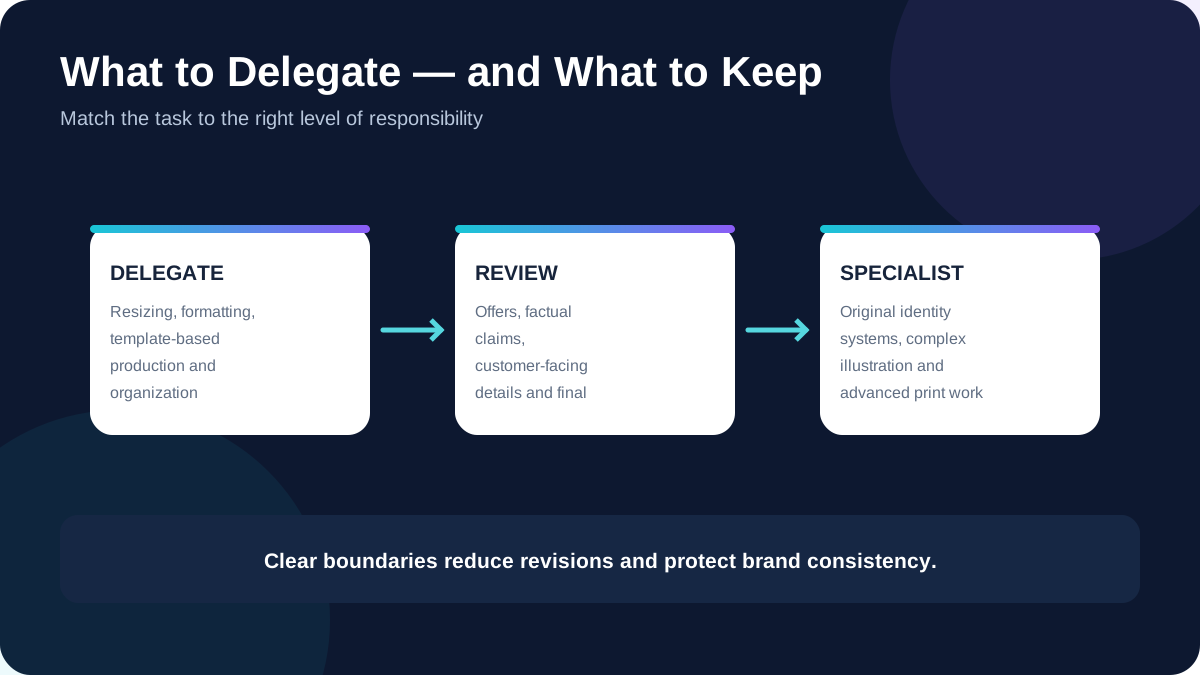
The roles can overlap, but they are not identical. A graphic designer may be hired for original visual identity work, complex creative direction or specialized design. A Canva virtual assistant is often a better fit for recurring production work built around an existing brand system.
A business may use both: a designer establishes the visual direction, then a Canva VA helps execute routine assets within that direction. The right model depends on how much original creative development versus repeatable production is required.
What should you prepare before delegating Canva work?
Delegation becomes faster when the assistant does not have to guess what “on brand” means. Before assigning recurring design work, prepare the core information the assistant will need.
- An approved logo and any usage rules.
- Brand colors and preferred fonts.
- Examples of designs you want to keep consistent.
- Required dimensions or publishing destinations.
- Approved copy, offers, prices and calls to action.
- A clear folder and file-naming convention.
- A review process that identifies who gives final approval.
A practical Canva production workflow
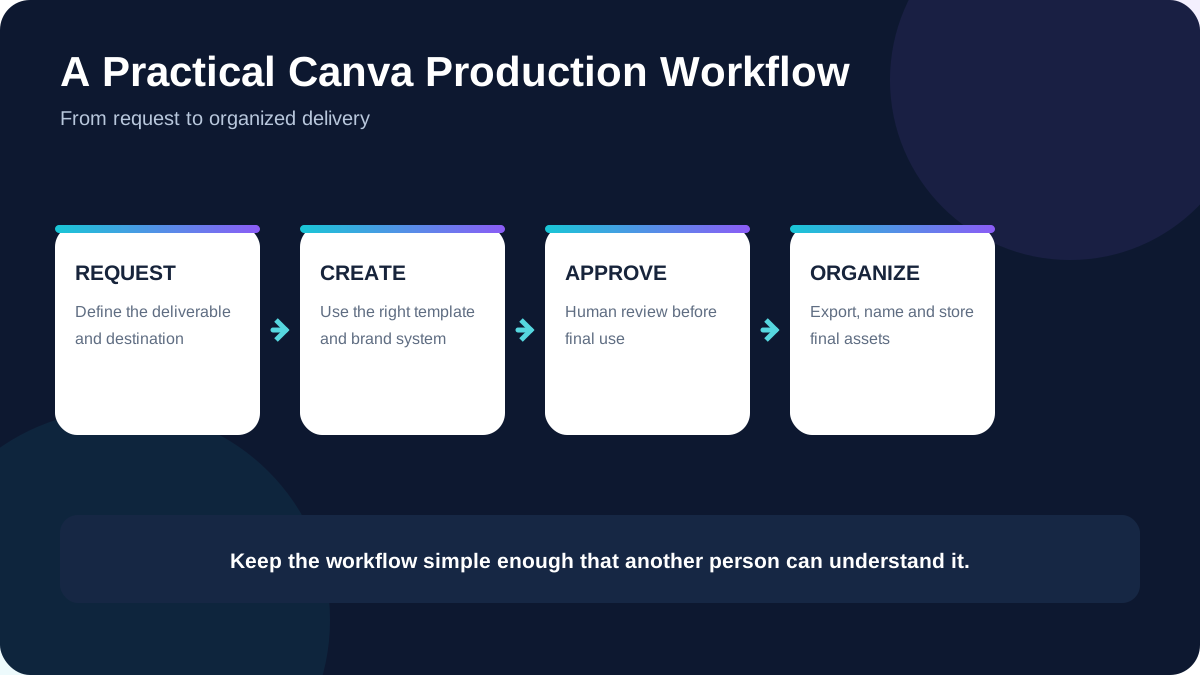
A simple workflow might begin with an approved request or content calendar. The assistant checks the brief, selects the correct template, creates the required variations, performs a basic quality check and sends the work for review. After approval, the final files are exported and stored in the agreed location.
This process helps prevent a common problem: dozens of designs that look acceptable individually but become inconsistent because every request was handled differently.
How a Canva VA can support brand consistency
Consistency comes from systems rather than from repeatedly “making something pretty.” Reusable templates, locked decisions, naming standards and documented export sizes reduce unnecessary variation.
An assistant should know which elements can change and which should remain fixed. That distinction is particularly important when several people contribute content or when assets are produced frequently.
What a Canva virtual assistant should not be expected to decide alone
A production assistant should not be responsible for inventing unapproved prices, making unsupported marketing claims, changing a brand identity without direction or publishing sensitive material without the required review. The business remains responsible for its offers, factual claims and final brand decisions.
For high-stakes or specialist work—such as a complete brand identity, complex illustration, regulated claims or advanced print production—a specialist may be more appropriate.
How to hire Canva support without creating more work
Start with one repeatable deliverable rather than handing over an unstructured list of design requests. Give the assistant a reference template, a short checklist and an example of an approved final result. Then evaluate accuracy, turnaround, communication and how well files are organized.
If the process works, expand the scope gradually. This makes it easier to identify which tasks genuinely save time and which still need closer creative direction.
Canva virtual assistant FAQ
Do I need Canva Pro to work with a Canva virtual assistant?
Not always. The required Canva plan depends on the assets, brand features, templates and collaboration workflow being used. Confirm the account and licensing requirements before building a process around Pro-only features.
Can a Canva VA create social media content?
They can prepare visual assets and, when included in the scope, format supplied or approved copy. Content strategy, factual claims and publishing approval should be clearly assigned rather than assumed.
Can a Canva virtual assistant edit presentations?
Yes, presentation formatting and visual cleanup are common delegated tasks when the content and intended message are already defined.
Is a Canva virtual assistant the same as a marketing virtual assistant?
No. Canva support focuses on visual production and organization. A marketing VA may handle a broader mix of campaign, publishing, research and coordination tasks, with Canva being only one tool in the workflow.
Build a repeatable design workflow
If recurring Canva work is taking time away from higher-value business tasks, the first step is to identify which designs follow a repeatable pattern. KatVerra's Canva virtual assistant service supports businesses that need organized, brand-aware Canva production without turning every small design request into a separate creative project.
You can also review our presentation design support for more focused slide and deck work, or our virtual assistance services when the workload extends beyond Canva.